Random Image
How to use
What it does
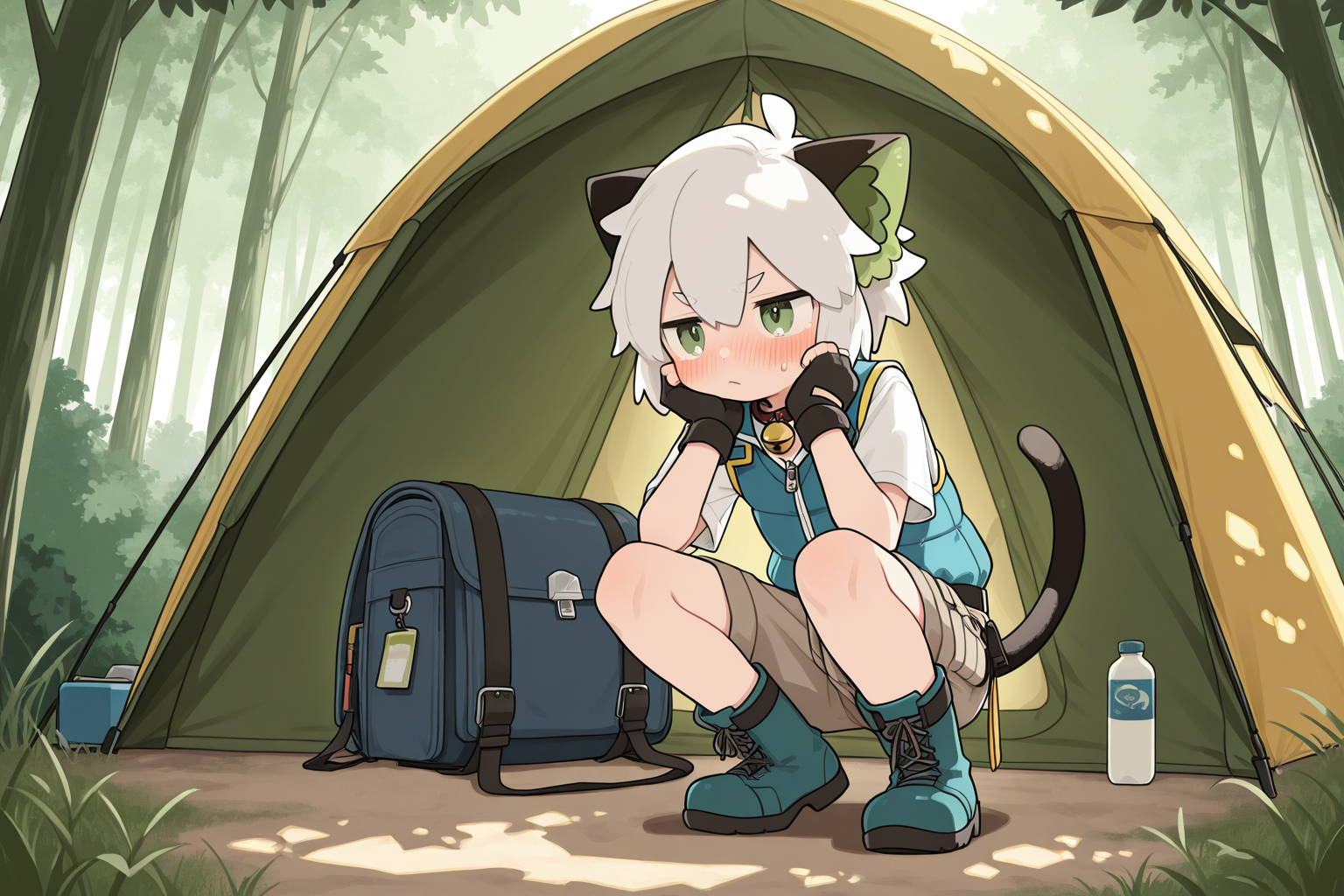
Shows a random anime-style illustration, with a different picture on every refresh. Images come from a public third-party source, and the page only displays and switches between them — nothing is stored or modified. Useful when hunting for wallpapers or avatars, or simply as a change of scenery when you are stuck on a bug. A second tab generates sized placeholder images.
How to use it
A random image loads as soon as the page opens. Press the shuffle button or hit the space bar for another one. A source link below the image opens the original in a new tab, where you can view it full size or save it locally.
FAQ
Where do the random images come from?
From a third-party API: each refresh or category switch sends a request to t.alcy.cc, which returns a random image link that is then displayed. The site itself stores nothing about what you viewed.
How do I see the picture in full size?
Click the image itself - it opens a full-screen lightbox overlay, and clicking anywhere on the dark backdrop closes it again.
Related articles
More tools
Convert between JSON, CSV, XML, YAML and Markdown
Focus on work, rest efficiently
QR code and Code128 barcode generator
Deduplicate, diff, reverse and word frequency
Function plots, waveforms, spectra and Fourier series
Browse all 118 chemical elements; click any element to view its details.